Media Kit Downloads
Arcast media kit
Media assets for download
The media kit contains several images to help writers tell the Arcast story. Additional media may be available upon request. Please contact media@arcast.no for assistance.
All images are subject to terms of use as listed in the Arcast visual brand guide (PDF).
Download the highest quality files
The image gallery may display previews of lower resolution and cropped dimensions. To ensure highest possible image quality, click to expand the corresponding Description & File section and then click Download.
Logos

Description & File
The Arcast logo in the Arcast blue color. Available as a PNG file.
See the brand guide for details on clear space, minimum size, and additional terms of use.

Description & File
The knockout version of the Arcast logo. Available as a PNG file.
See the brand guide for See the brand guide for details on clear space, minimum size, and additional terms of use.
Product images

Description & File
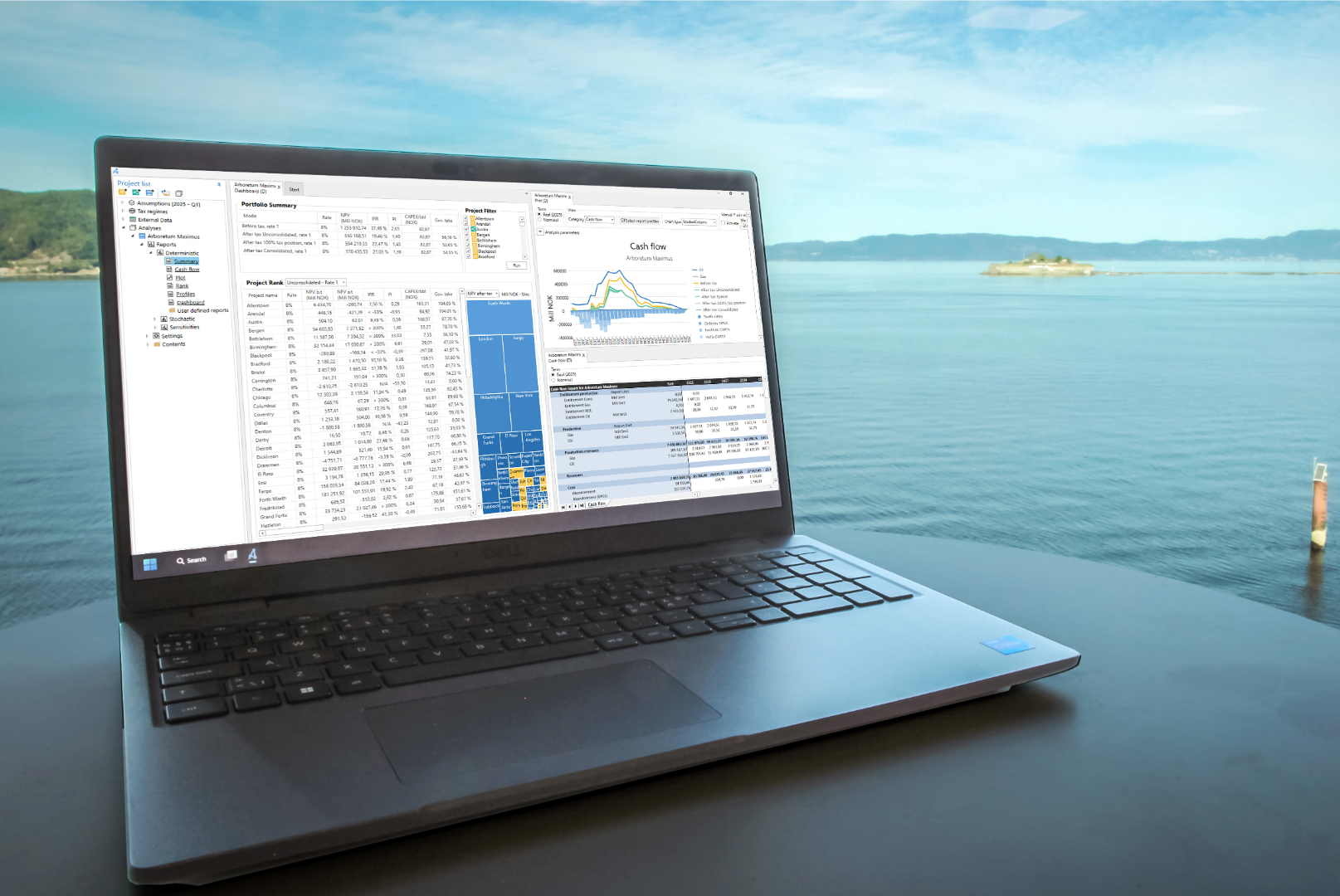
A laptop computer running version 26.1 of the Arcast® FP&A software with a view of the Trondheim Fjord and Munkholmen in the background.
Available as a PNG file.
See the brand guide for terms of use.

Description & File
The user interface of version 26.1 of the Arcast FP&A software. A project is highlighted in the Project list and the Project Rank table. All windows are undockable and can be arranged according to user preferences. In this example, the dashboard shows results for the consolidated portfolio and the summary report for the consolidated portfolio is shown next to the summary report for one project.
Available as a PNG file.
See the brand guide for terms of use.

Description & File
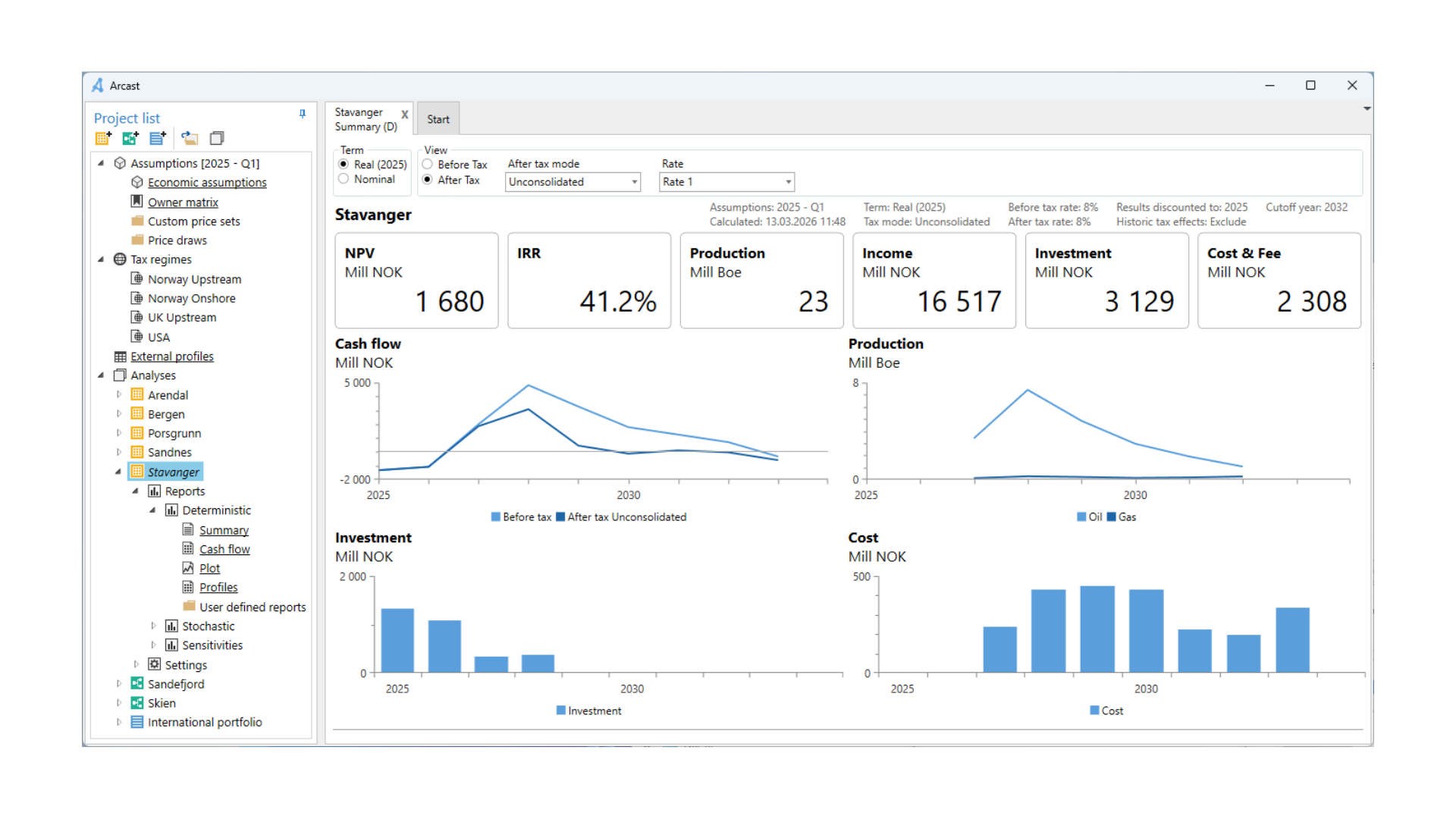
The user interface of version 26.1 of the Arcast FP&A software. The summary report is shown for an example oil production project, which is highlighted in the Project list.
Available as a transparent PNG file.
See the brand guide for terms of use.

Description & File
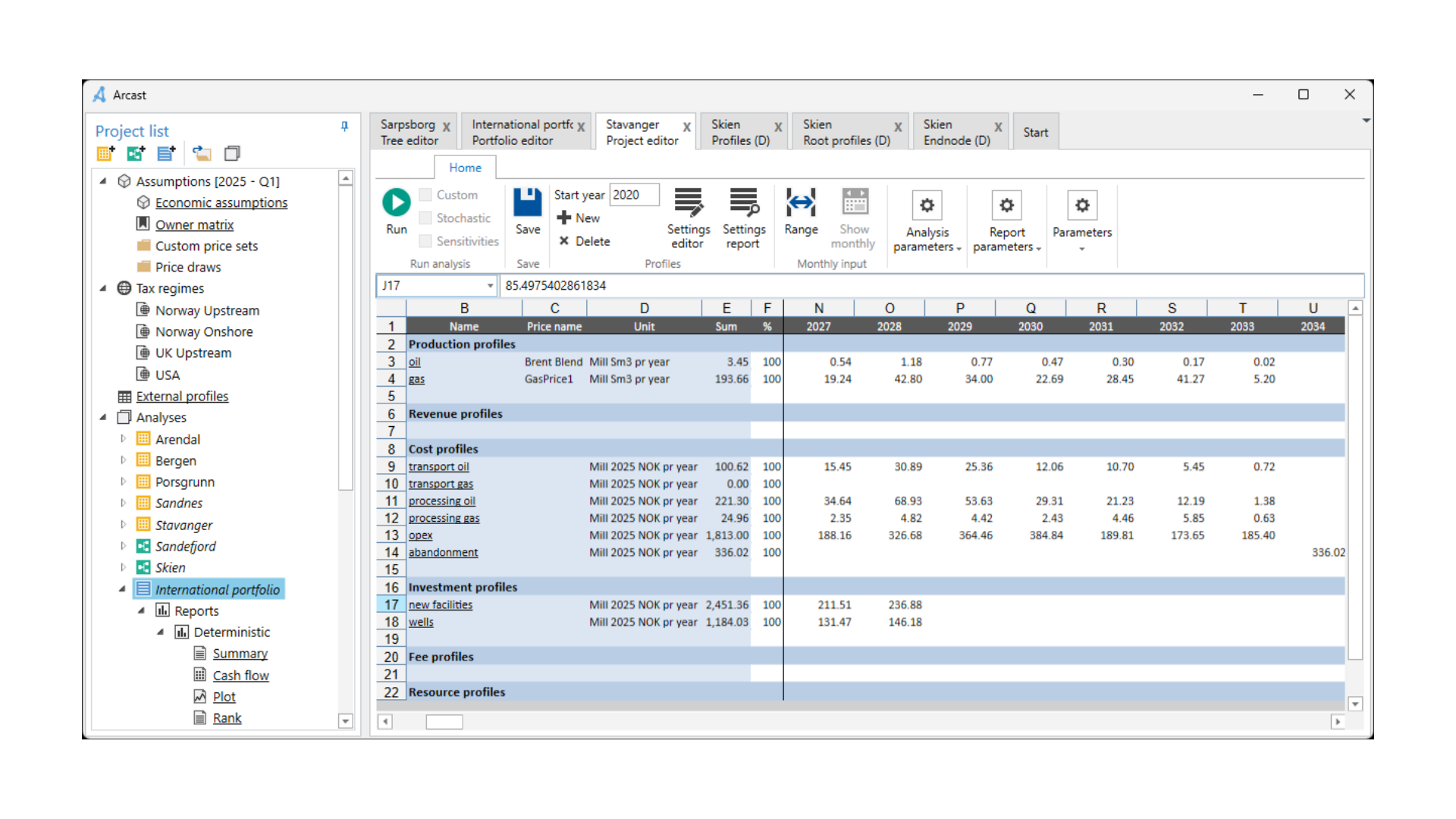
The user interface of version 26.1 of the Arcast FP&A software. The project editor is shown for an example oil production project. The editor uses functionality that is familiar to spreadsheet users.
Available as a transparent PNG file.
See the brand guide for terms of use.
Company photos and illustrations

Description & File
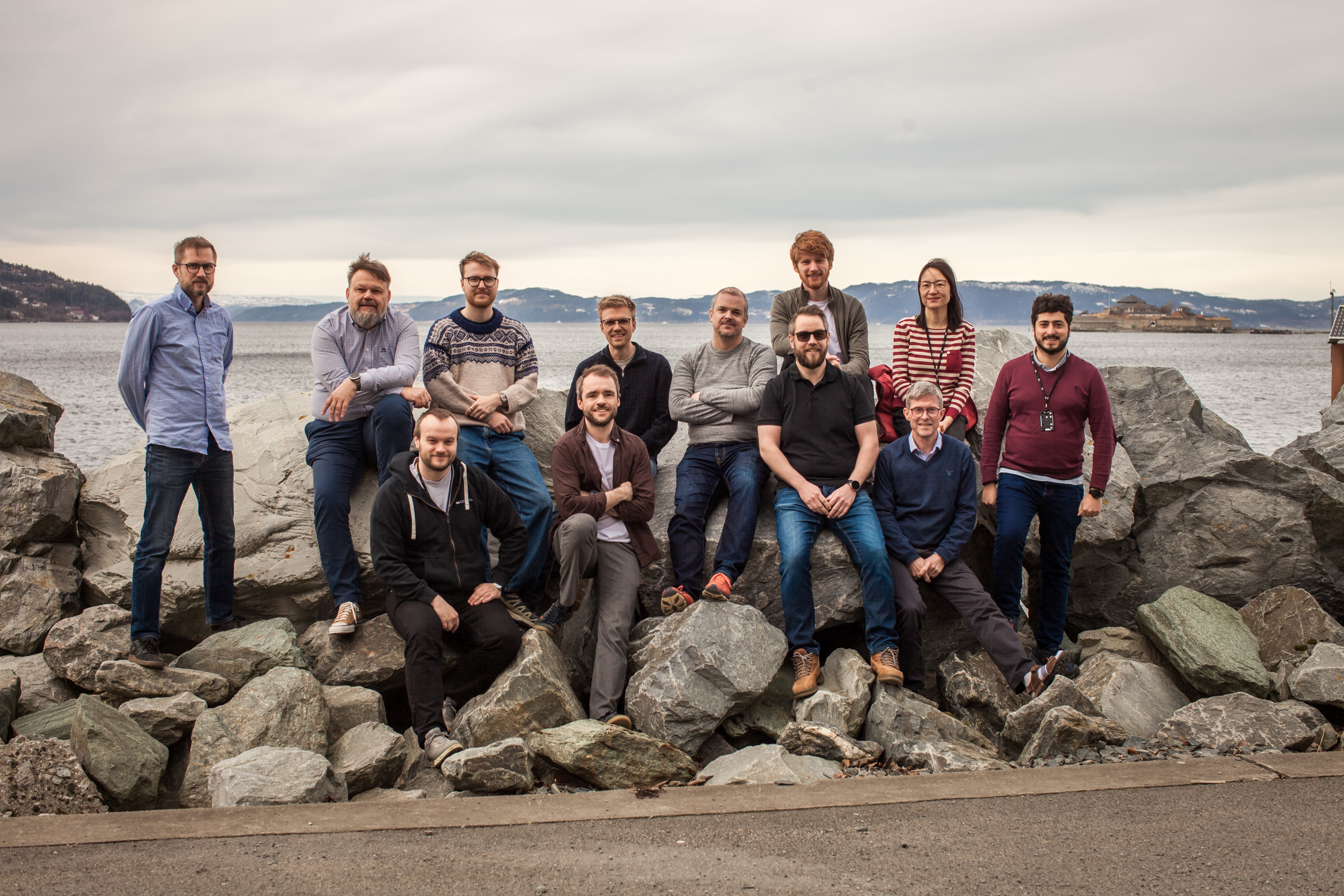
Several members of the Arcast AS team pose for a photo in front of the Trondheim Fjord.
Available as a JPEG file.
Requires permission before use. See the brand guide for details and additional terms of use.

Description & File
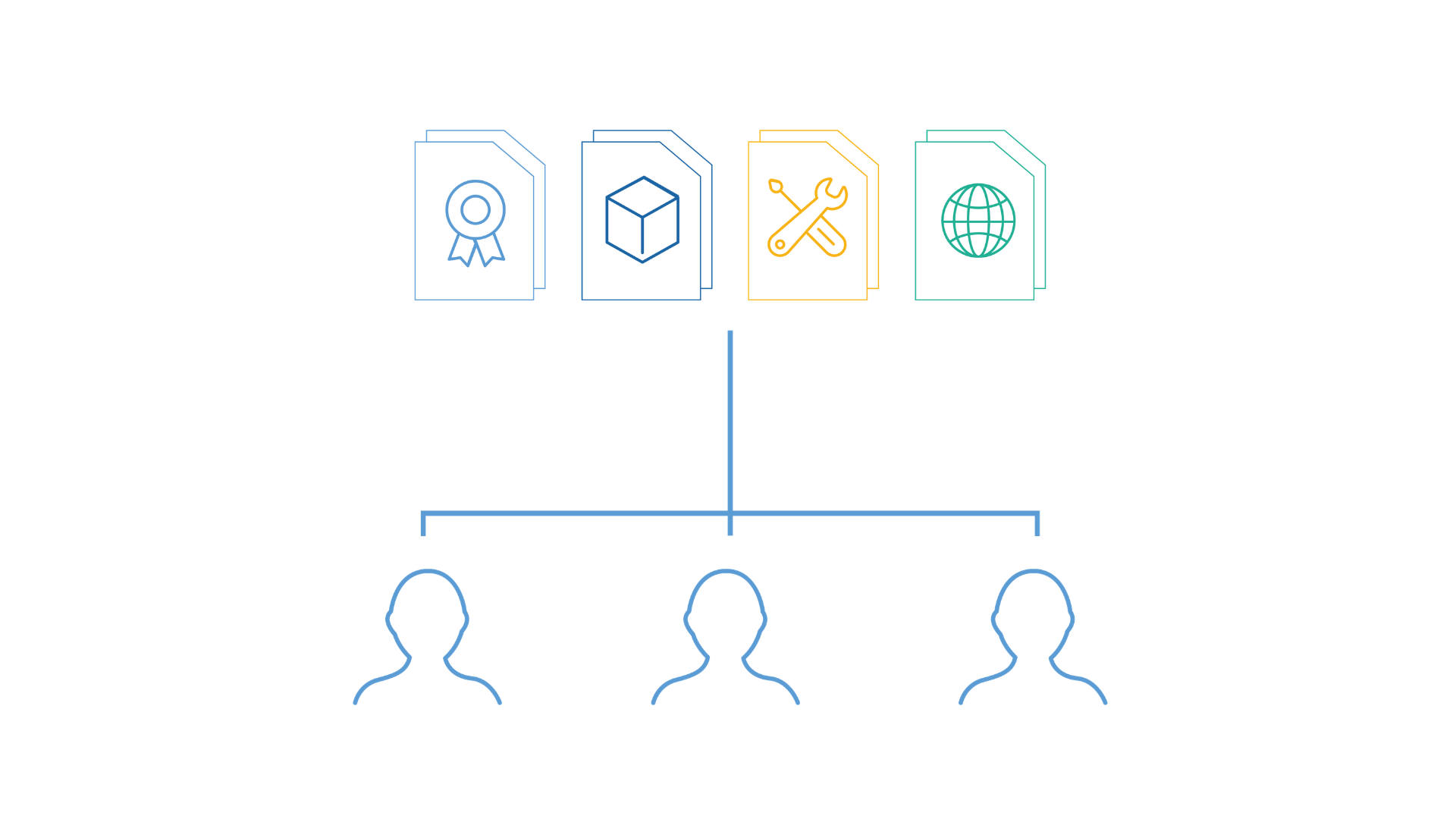
An illustration showing that the Arcast software supports multiuser collaboration, where all team members access the same underlying set of data for their calculations.
Available as a transparent PNG file.
See the brand guide for terms of use.

Description & File
An illustration showing that the Arcast software acts as a single source of truth for all users within the organization.
Available as a transparent PNG file.
See the brand guide for terms of use.

Description & File
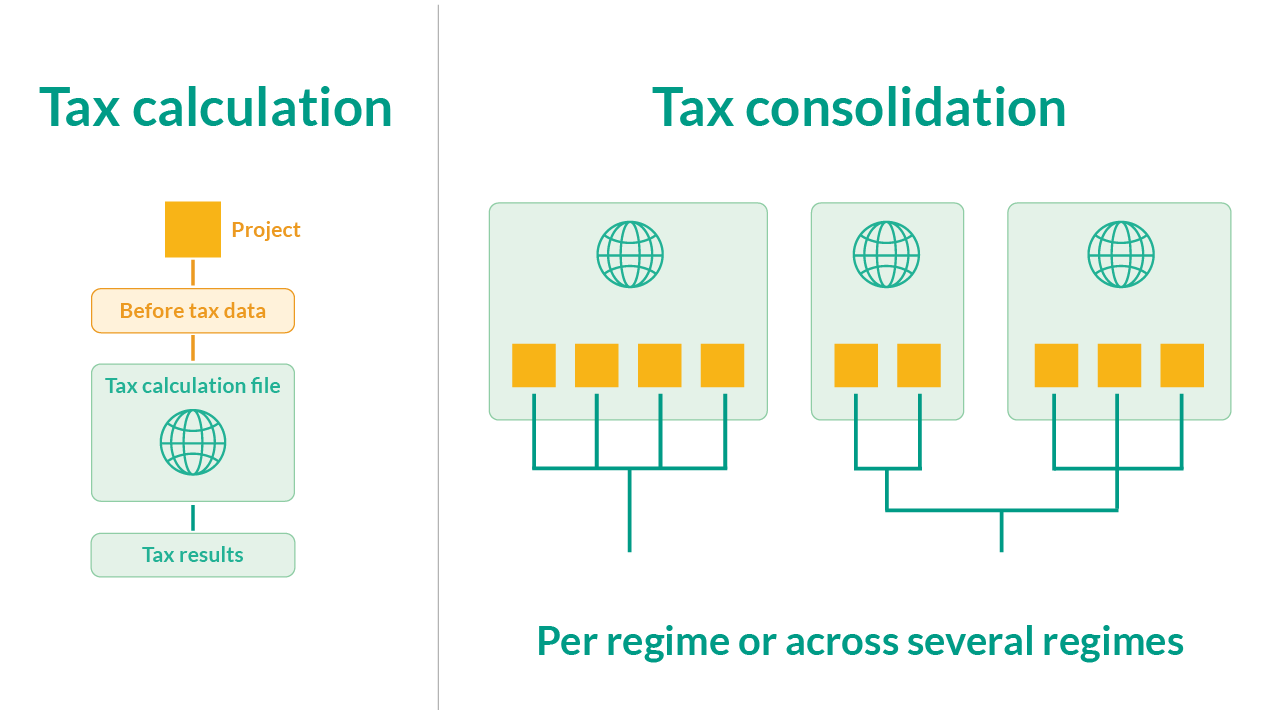
An illustration showing that tax calculations are transparent to the Arcast software user and tax consolidation can be done per tax regime or across several regimes.
Available as a transparent PNG file.
See the brand guide for terms of use.